
Welcome to
Peace of Mind
Let’s give your belongings a way home. Getting started takes just a few minutes.
Test your QR code
Your QR code is already linked to your Personal Recovery Page and ready to go. Want to try it out? Scan one of your stickers, fill in the finder form and check your inbox. Then log in to view your test report—you’ll see how it works before using your stickers.

Stick & Go
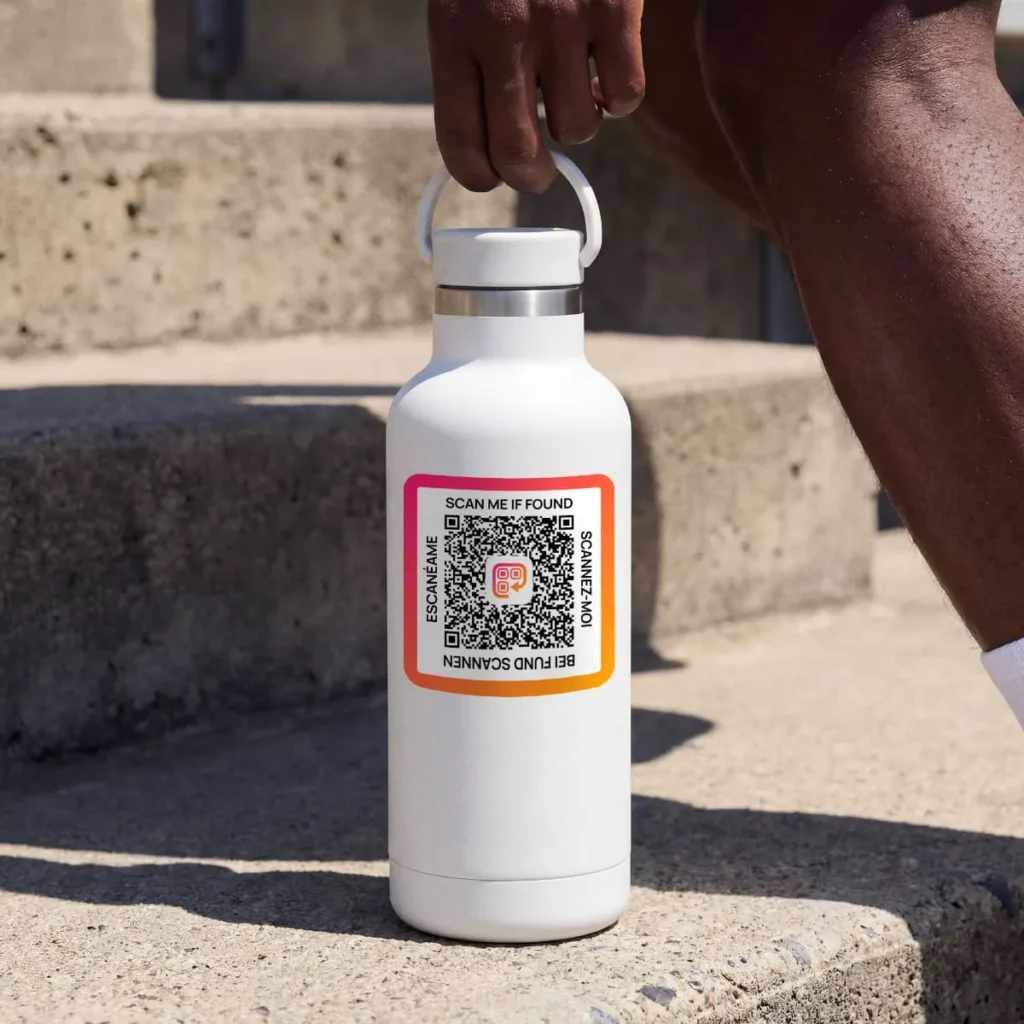
Peel and apply your laminated vinyl QR stickers to keys, laptops, water bottles and other everyday belongings. Each sticker gives a finder a simple way to contact you if your item goes missing.
Best surfaces
Clean, dry, smooth surfaces such as plastic, glass, metal and sealed wood.
Best practices
Choose a flat area and press the sticker down firmly. If you’re unsure about the finish, test in an inconspicuous spot first.
Avoid
Fabric, rubber, silicone, rough or porous surfaces and stretchy materials.

Everyday carry
Keys, wallets, phone cases.

Tech & Gear
Laptops, iPads, headphones.

On the go
Backpacks, luggage, water bottles.

Hobbies & School
Instruments, bikes, notebooks.
Ready for a reunion
If someone finds your item, they scan the QR code and fill in a contact form—no app needed. We’ll email you so you can log in, view their message and arrange the return. Your contact details stay private unless you choose to share them.

Using your accessories
Ready to set up your new gear? Accessories arrive without QR stickers. Apply the matching stickers to your accessory. For the Recovery ID Lanyard, apply your stickers to a separate Recovery ID Tag, then attach the tag to the lanyard.
Remove from packaging – Unpack your accessory.
Peel carefully – Remove the matching sticker from its backing sheet.
Centre and place – Position the sticker in the designated area on your accessory.
Press firmly – Smooth the sticker down, including the edges.
Give it time – Allow the adhesive to settle before washing or heavy use.
Recommended stickers
per accessory
Luggage Tag – 2x Medium stickers
Key Ring – 1x Extra Small sticker
Wallet Card – 1x Medium sticker
Recovery ID Tag – 2x Medium stickers
Pet Tag – 1x Extra Small sticker
Stickers that stick around
A clear, readable QR code helps a finder contact you. Gently wipe your stickers clean when needed, avoid dishwashers and soaking, and replace any sticker that becomes damaged, unreadable or starts to lift.
Sticker
size guide
FAQs
Do I need to activate my QR code before using it?
No—your QR code is ready to use while your membership is active. Scan it and fill in the finder form to try it out.
What's the best way to apply the stickers?
Choose a clean, dry, smooth surface. Peel, position and press firmly, smoothing down the edges. Allow the adhesive to settle before washing or heavy use.
How do I add more items to my account?
You don’t need to register each item. Your stickers link to the same Personal Recovery Page—just apply another sticker and you’re ready to go.
How many items can I use it with?
As many as you like while your membership is active. Peace of Mind includes 6 stickers, and Pro includes 19. You can also print extra copies of your QR code or buy more stickers.
How can I get more stickers?